

You might run into some quirky programs that do unexpected things. Here’s one that displays its own source code. Yep, you heard that right! It opens itself up and prints every character on the screen. This trick's called 'quine' and it doesn't need any input other than its own file.
Let’s dive into how it works with a handy example. When you run this program, it reads its own file and displays the content. Let's check out how it's done.
Prerequisites for the C Program to Display its own Source Code
Before diving into the code, ensure you understand these prerequisites:
- Familiarity with
stdio.hfor file handling functions likefopen()andfgetc(). - Understanding file pointers and handling file I/O in C.
- Basic knowledge of loops and conditional statements.
- Any C compiler such as GCC 9 or newer — or just run it in the EduSeekho online compiler.
Source Code of C Program to Display its own Source Code as Output
Here's the complete C code that will display its own source code when run:
#include <stdio.h>

int main() {
    FILE *file = fopen("source.c", "r");
    char ch;
    if (file == NULL) {
        printf("Error opening file\n");
        return 1;
    }
    while ((ch = fgetc(file)) != EOF) {
        putchar(ch);
    }
    fclose(file);
    return 0;
}
Try this code yourself — free
Run it in the EduSeekho online compiler. No setup needed.
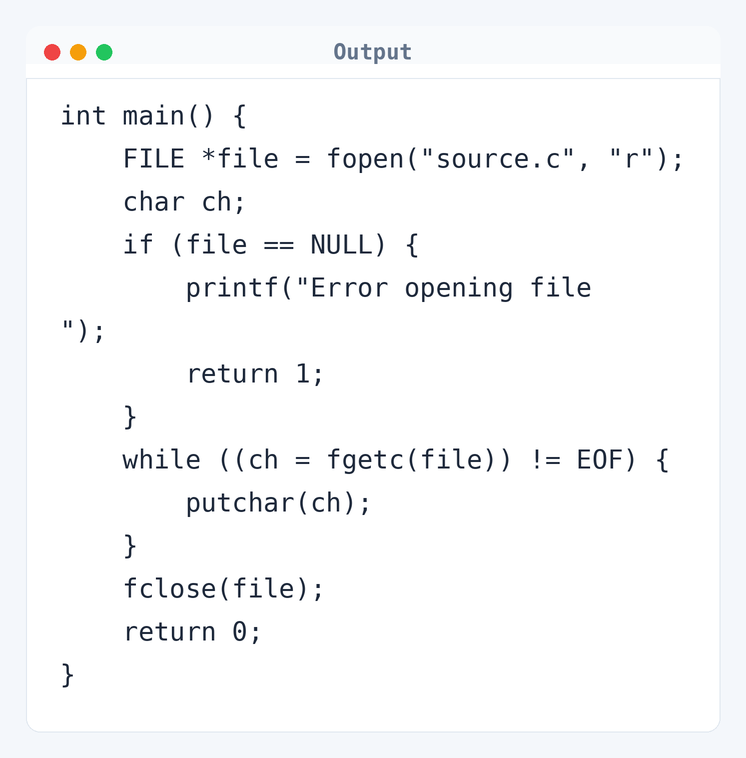
Output of the Display Source Code as Output Program
When you run the above code, you'll see its entire source mirrored in the output. It's an interesting use of file operations:
int main() {
    FILE *file = fopen("source.c", "r");
    char ch;
    if (file == NULL) {
        printf("Error opening file\n");
        return 1;
    }
    while ((ch = fgetc(file)) != EOF) {
        putchar(ch);
    }
    fclose(file);
    return 0;
}
Algorithm to Display C Program Source Code
The objective is to open the program's own file and print each character until the end. Here is the precise step-by-step algorithm:
- Open the source file using
fopen()in read mode. - If the file pointer is
NULL, print an error message and exit. - Read each character from the file using
fgetc(). - Print the character using
putchar(). - Repeat steps 3 and 4 until EOF is reached.
- Close the file using
fclose().
flowchart TD
  A([Start]) --> B[file pointer = fopen()]
  B --> C{file pointer != NULL?}
  C -->|Yes| D[/Read character by character/]
  D --> E[Print character]
  E --> F{Not EOF?}
  F -->|Yes| D
  F -->|No| G[fclose(file)]
  G --> H([End])
  C -->|No| I[Error opening file]
I --> HHow the C Program Works
Let's break down how each part of the program operates:
- The program starts by including the header
stdio.h, which provides functions for file handling. - Using
fopen(), it attempts to open its own source file,source.c, in read mode. If the file does not open, it prints an error and exits. - A loop with
fgetc()reads each character from the file, storing it inch. - The character
chis then sent to the standard output usingputchar(). - The
whileloop continues until it reaches the end of the file, marked byEOF. - Finally, the file is closed using
fclose()to free up resources.
Quick Quiz — test your understanding
Tap an option to check your answerWhat function is used to read the source code character by character?
Time and Space Complexity of the C Program
Let's consider how efficient this program is:
Time Complexity: O(n) where n is the number of characters in the source file. For example, if the file has 1000 characters, the loop runs approximately 1000 times. The loop while ((ch = fgetc(file)) != EOF) iterates over each character in the file.
Space Complexity: O(1). The program uses a fixed amount of extra memory, holding the char variable ch and the file pointer. No additional space is allocated apart from these.
Common mistake:Not closing the file with fclose() might lead to memory leaks or file issues.
Key takeaway:A program can read its own code using simple file operations. It shows an interesting capability in C programming.
FAQs About C Program to Display its own Source Code
Here are answers to some common questions about this unique program:
fopen() lets it display any C file's content.fopen() returns NULL, making the program print an error and exit.EOF.Related Programs
If you found this program helpful, check out these related programs:
- C Program to Find the Size of int, float, double and char
- C Program to Write Hello World - Full Code and Output
- C Program to Print an Integer Entered by the User
- C Program to Check Whether a Number is Palindrome or Not
- C Program to Display Fibonacci Sequence with Example
Conclusion
Ever wondered how a program can show itself? This quine gives a cool answer. It highlights the power of file handling in C. Next up, try to write a similar program in a different language and see if it behaves the same.
Ready for more? Test your skills with the C programming quiz or play around in the online compiler.